A WhatsApp widget on your website is not one thing. Keaz ships two, they sit in different places, and they collect different things: the chat-in shop widget turns a browsing visitor into an inbound conversation, and the post-checkout widget captures the phone number of someone who has just bought. Install the wrong one and you will wonder why your subscriber count never moves.
The short version:
- Two widgets, two jobs. The chat-in widget sits on your storefront and produces conversations; the checkout widget sits on the thank-you page and produces phone numbers.
- One click to go live. The shop widget is activated under Settings, Integrations, Shopify — no theme code and no developer.
- Zero duplicates by design. The checkout widget is shown only to buyers whose order data contains no phone number at all.
What does a WhatsApp widget on your website actually do?
Search for a WhatsApp widget and you will find two completely different products described with the same word. One is a chat entry point: a button or pop-up that opens WhatsApp with a message already written, so the visitor only has to press send. The other is a capture field: a form that asks for a phone number and stores it against a customer record.
The distinction matters because they answer different questions. A chat entry point answers "how do I let people reach me?". A capture field answers "how do I build a list I can message later?". Shops routinely install the first, measure the second, and conclude that WhatsApp does not work for them.
Keaz ships both. The rest of this post is about picking the right one — or, more often, putting both in the right places.
Which widget do you need: chat-in or post-checkout?
Decide by the outcome you want, not by the name.
- Chat-in shop widget. A pop-up on your storefront showing your logo, a QR code and a Start WhatsApp Chat button. Scanning the code or clicking the button opens a WhatsApp chat with a pre-filled message. The result is a Chat-in: the conversation lands in your Keaz inbox, and the person is created as a contact if they are new.
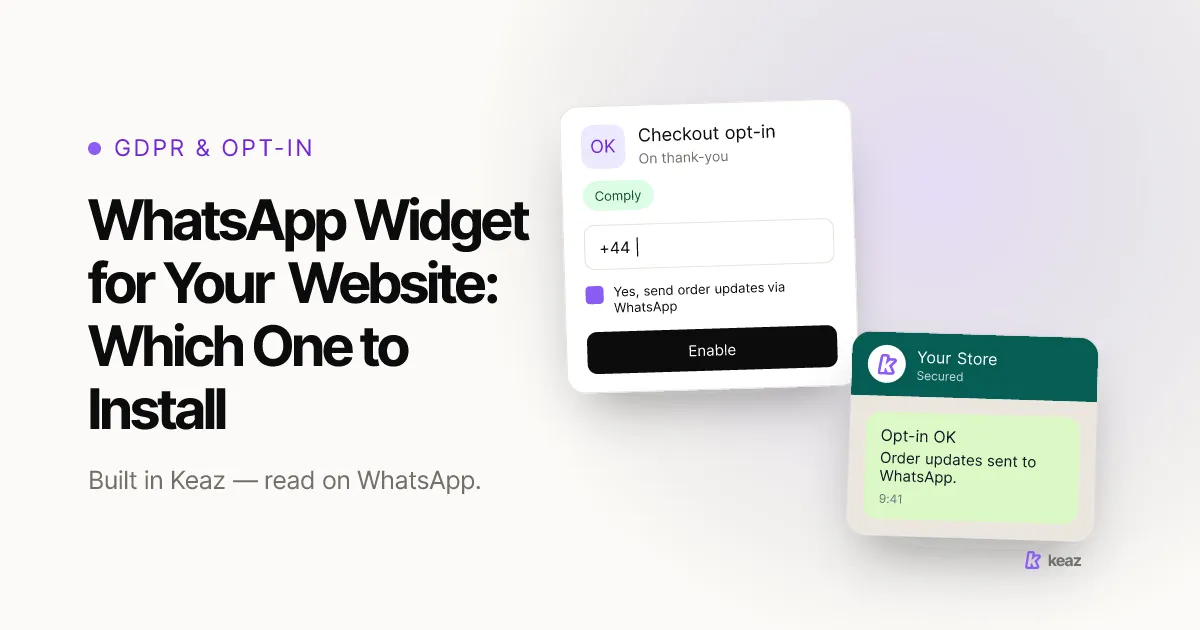
- Post-checkout widget. A field on the thank-you page with a "Join our WhatsApp community" prompt. The buyer types their number, confirms with Save Number, and the number is captured in Keaz and linked to their customer profile.
- Both, in most shops. They do not overlap. One catches people before they buy; the other catches people who already did and left no number behind.
If you only have appetite for one, match it to your bottleneck. A support load that arrives through five different channels points to the chat-in widget. A subscriber count that will not move points to the checkout widget. The Keaz features overview shows where each one sits relative to flows, the inbox and your Shopify data.
How do you set up the chat-in shop widget?
Three steps, and none of them touch your theme:
- In Keaz, go to Settings, then Integrations, then Shopify.
- Under "Activate your shop widget", click Activate.
- The widget goes live on your storefront. No technical knowledge, one click.
Then connect it to something. Every Start WhatsApp Chat click and every QR scan fires a Chat-in event, and a Chat-in can trigger a flow — an opt-in, a welcome message, a lead-qualification sequence. Pointing it at a short welcome flow means every new contact gets an instant, consistent first reply instead of waiting for someone to notice the message. The full walkthrough is in our help article on the Chat-in Shop Widget.
One detail is worth exploiting: the Chat-in is not limited to your storefront. Each flow's starting point carries its own link. Put one in a paid ad, another in your Instagram bio and a third on packaging, and the entry point itself tells you where the contact came from — so you can greet an ad click differently from a packaging scan.
How do you collect phone numbers after checkout?
The checkout widget is checked after every completed purchase and appears only when two things are true at once: the purchase is complete, and no phone number exists in the order data. That second condition is the whole anti-duplicate mechanism — customers who already gave you a number are never asked again.
Once a number is entered, the contact is created in Keaz and can be used immediately in flows, segments and newsletters. There is no import step and no waiting for a sync.
One toggle is worth knowing about. Safe mode is off by default; switched on, the widget only shows under stricter conditions such as clear opt-in intent, which protects you from capture you would rather not have. For a privacy-sensitive market, or a strict reading of consent law, turn it on. The help article on the checkout widget covers the remaining settings, including where to configure it inside the Shopify app itself.
Is a chat widget the same as an opt-in?
No — and this is the most expensive misunderstanding in the whole topic.
A visitor who starts a chat has given you a conversation. They have not necessarily agreed to receive marketing from you afterwards. Under the GDPR, consent has to be a freely given, specific, informed and unambiguous indication of the person's wishes, expressed through a clear affirmative act — Articles 4(11) and 7 of Regulation (EU) 2016/679 (GDPR) (EUR-Lex, retrieved 2026-10-26). A number that arrived because somebody asked about delivery times does not meet that on its own, and the European Data Protection Board's Guidelines 05/2020 on consent (EDPB, 2020, retrieved 2026-10-26) is explicit that consent bundled into something else does not qualify.
This is why Keaz stores an opt-in level against each contact rather than treating any number in the database as marketable. What each level permits is set out in our help article on opt-in levels, and the mechanics of collecting consent properly are in our guide to GDPR-compliant WhatsApp opt-ins.
This is a summary rather than legal advice; have your own counsel review how it applies to your shop.
Widget, wa.me link or QR code — which one when?
Three ways to start a WhatsApp conversation, routinely confused with one another:
- The widget lives on your own site and is visible to anyone browsing. Best for converting traffic you already paid for into conversations.
- The wa.me link is a plain URL you can place anywhere: an email footer, a bio, an ad. Best when the audience is somewhere you do not control. See how to create a click-to-chat link.
- The QR code bridges offline to chat: packaging inserts, retail counters, events. Slow, free, and the only one of the three that works on a printed surface. See WhatsApp QR codes for shops.
They are not alternatives so much as coverage. Each one reaches people the other two cannot, and all three end in the same place: a conversation and a contact record.
Common mistakes
Four failure modes, in rough order of what they cost.
Installing the chat widget and expecting a list. A floating chat button produces inbound conversations from the small share of visitors who had a question. It is not a subscriber-growth mechanism, and judging it as one is how a perfectly functional widget gets removed after a month.
Building your own capture form on the thank-you page. A hand-built field has no idea whether the order already contains a phone number, so it asks everybody. You end up with duplicates, annoyed repeat customers, and a contact list you cannot trust.
Leaving the Chat-in pointed at nothing. An activated widget with no flow behind it means every new conversation waits for a human. The first reply is the one that decides whether the contact stays, and it is the cheapest thing in the whole setup to automate.
Treating a captured number as permission. Collecting a number and marketing to it are two separate decisions with two separate requirements. Keep the opt-in level accurate and you keep the channel; ignore it and you collect blocks and reports instead of orders.
Pick by outcome, not by name. If you need conversations, activate the chat-in widget and wire it to a welcome flow. If you need a list, switch on the checkout widget and let it fill the gaps your checkout leaves behind. Most shops end up running both, because they catch different people at different moments — and neither one is worth much until the opt-in level behind it is accurate.
Want to know what that list is worth before you build it? Run the Keaz Forecast to see the revenue your existing Shopify data could support on WhatsApp.
Frequently asked questions
Does the WhatsApp widget work on any Shopify theme?
Will the checkout widget ask customers who already gave me their number?
Can a widget contact go straight into a flow?
Is someone who messages me through the widget automatically subscribed?

Nils Spölgen
Founder at Keaz. Serial founder in chat marketing — built a local agency into Keaz, the WhatsApp marketing platform for Shopify. Bootstrapped the MVP, raised funding, and scaled to 200+ merchants in DACH. Writes about flows, opt-in & GDPR, Klaviyo, and realistic revenue benchmarks — prefers conservative math over impressive claims. View profile