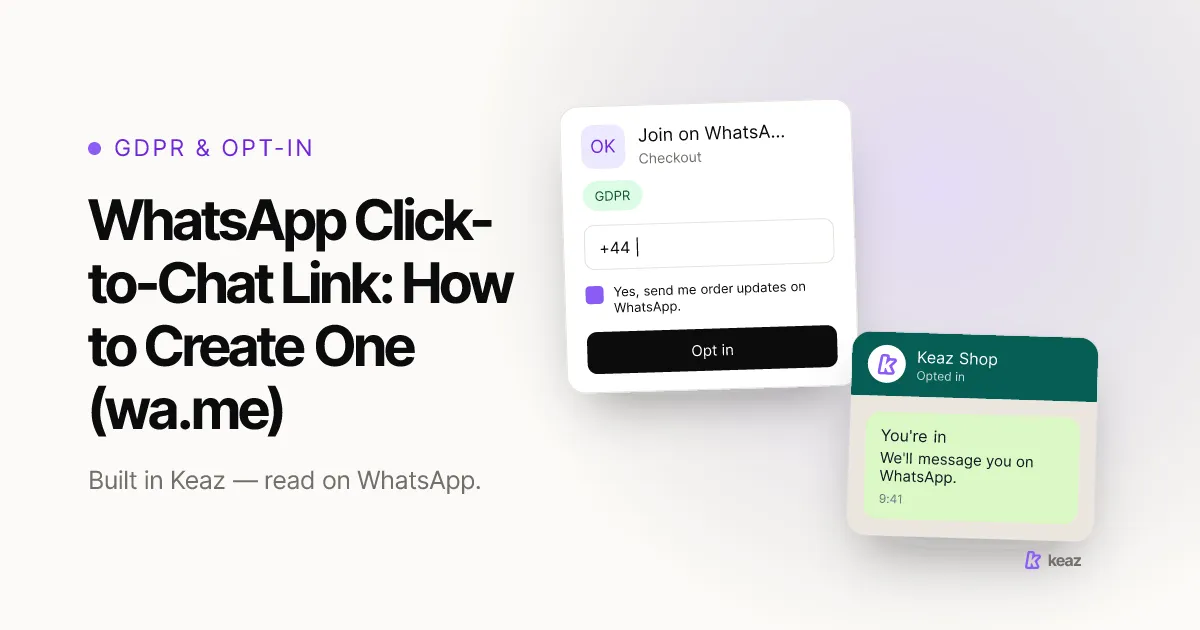
A WhatsApp click-to-chat link is one URL that opens a chat with your store — the customer needs no saved contact and types nothing. The format is `https://wa.me/<number>`, with your business number in international format and no plus sign, no leading zero, no brackets and no dashes. Add `?text=` plus a URL-encoded message and WhatsApp opens with the first message already written.
The short version:
- One format, one URL: `https://wa.me/491701234567` — international format, no `+`, no leading zero, no dashes (WhatsApp Help Center, 2026).
- Three taps for the customer: tap the link, WhatsApp opens with your message prefilled, send. That is the whole interaction.
- 35–55% is where most Shopify stores start on customers they can actually reach on WhatsApp. Every entry point you place moves that number, and a link is the cheapest one to place.
What is a WhatsApp click-to-chat link?
It is a plain web link that opens a WhatsApp conversation with a specific number. Nobody has to save you as a contact first, and it works on a phone as well as on WhatsApp Web (WhatsApp Help Center, 2026). One condition: the number you point at must have an active WhatsApp account, otherwise the link opens on an error instead of a chat.
It is the same idea as a QR code, in a different wrapper. A link belongs wherever someone is already tapping — a bio, an ad, an email footer. A code belongs wherever someone is holding something physical: a package insert, a shop window, a print ad. If that is your case, start with our guide to the WhatsApp QR code instead; the mechanics behind both are identical.
What the link does not do is decide what happens next. That part is yours, and it is where most of the value sits.
How do you create a wa.me link, step by step?
Five steps, two minutes, no tools required.
- Write your number in international format. A German mobile shown as 0170 123 4567 becomes 49 170 1234567. Then strip everything that is not a digit: no `+`, no leading zero, no spaces, no brackets, no dashes. You end up with `491701234567`.
- Build the base link. Put the digits behind `https://wa.me/` and you have `https://wa.me/491701234567`. Open it once to confirm it lands in a chat with you.
- Add a prefilled message. Append `?text=` and your message, URL-encoded — spaces become `%20`, a comma becomes `%2C`, an apostrophe `%27`. So `https://wa.me/491701234567?text=Hi%2C%20I%27d%20like%20advice%20on%20sizing` opens the chat with that sentence already in the input field.
- Test it from a phone that does not have your number saved. This catches the two errors you cannot see on your own device: a wrong country code, and a prefilled message that got truncated at an unencoded character.
- Shorten it only if you have to. Character-limited placements are the one good reason; WhatsApp documents its own short-link route for business numbers (WhatsApp Help Center, 2026). A third-party shortener adds a redirect and a point of failure between the tap and the chat.
That is a working click-to-chat link. It is also where most stores stop, which is the expensive part.
Where does a click-to-chat link earn its keep?
Anywhere the reader is one tap away from a question they would not send by email.
- Instagram and TikTok bio — the one clickable slot you get, pointed at a conversation instead of a homepage.
- Paid social and search ads — the tap lands in a chat rather than on a landing page that has to convert cold traffic.
- Email footer — WhatsApp complements email rather than replacing it; the footer is where your existing list finds the faster channel.
- Packaging inserts, receipts and in-store signage — pair the link with a QR code so both hands work.
- Your storefront — a pop-up with a QR code and a Start WhatsApp Chat button, which in Keaz is the Chat-in shop widget, activated in one click under Settings → Integrations → Shopify.
Use a separate link per placement. It costs nothing and it is the only way to learn which touchpoint produces conversations that end in orders — which differs sharply by vertical, as the patterns on our industries page show.
Why does a plain wa.me link leave money on the table?
Because it delivers a message into an inbox and then stops. Three things it does not do: capture the person as a contact, start anything automatically, or tell you where the tap came from. On a quiet Tuesday that is fine. On the Saturday evening after an ad goes live it means a queue of people waiting for a human.
In Keaz the same tap is a Chat-in — the trigger for conversations the customer starts. Every Chat-in flow gets its own link and its own QR code in the flow detail view, so you copy a link that already knows what to do: the contact is created if they are new, and the flow you built runs immediately. Because the message is prefilled, there is nothing to interpret and no keyword to guess (Flow trigger: Chat-in).
One flow per campaign keeps attribution clean. The link the customer used is what tells Keaz which flow to run, so the entry point itself records where the contact came from — and you can greet an ad click differently from a packaging scan. The features overview shows what the flows and the widgets do once that first message arrives.
A chat-in is also where many stores begin collecting an opt-in: the customer writes first, and the flow asks for the confirmation. Whether the result is valid consent is a legal question rather than a product setting, so treat the principles — a clear purpose, a documented moment of agreement, an easy way out — as the part you must get right. Our guide to collecting WhatsApp opt-ins the GDPR-compliant way goes through it properly.
Common mistakes
- Leaving the `+` or the leading zero in the number. `wa.me/+49 0170…` does not resolve. `wa.me/491701234567` does. This is the single most common failure.
- Not URL-encoding the prefilled text. An unencoded `?`, `&` or umlaut truncates the message at that character, and you only notice when a customer sends you half a sentence.
- One link everywhere. You get conversations and no idea which placement produced them, which makes every future budget decision a guess.
- A prefilled message written for your system, not the customer. `REQUEST_INFO_01` reads like a form. `Hi, I'd like advice on sizing` reads like a person, and gets sent far more often.
- Pointing the link at an inbox with nobody in it. If nothing runs automatically, the response time is whenever someone next opens the tab.
- Treating the chat-in itself as marketing consent. Someone writing to you once is not permission to add them to a campaign list.
A click-to-chat link takes two minutes to build and costs nothing. What it is worth depends entirely on what happens in the ten seconds after the tap — whether the contact is captured, whether a flow answers, and whether you can tell which placement sent them. Build the link, then decide that part deliberately.
Want to know what the channel is worth for your store before you build anything? Calculate your forecast.
Frequently asked questions
Do I need the WhatsApp Business API to use a click-to-chat link?
Can I prefill the message?
Do I have to generate the QR code myself?
Can two campaigns share one link?
Does a click-to-chat link work on desktop?

Nils Spölgen
Founder at Keaz. Serial founder in chat marketing — built a local agency into Keaz, the WhatsApp marketing platform for Shopify. Bootstrapped the MVP, raised funding, and scaled to 200+ merchants in DACH. Writes about flows, opt-in & GDPR, Klaviyo, and realistic revenue benchmarks — prefers conservative math over impressive claims. View profile