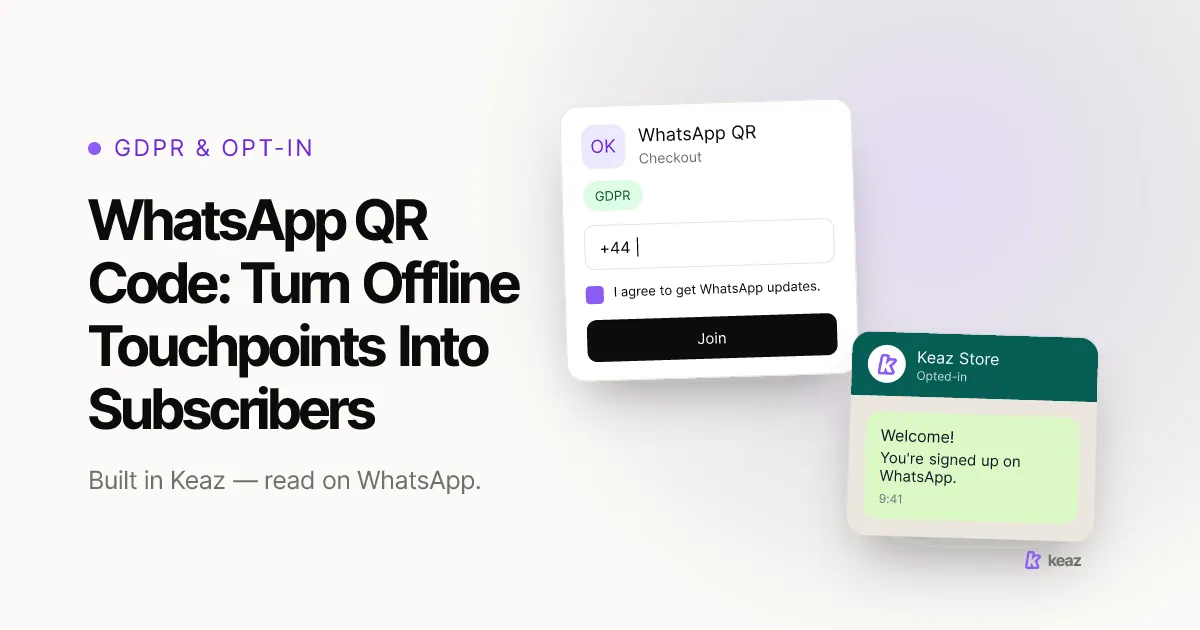
A WhatsApp QR code is only worth printing if the scan starts something. You do not need a separate generator for it: in Keaz you build a flow with the Chat-in trigger, and that flow hands you its own QR code and its own link. Because every flow carries a different code, the code someone scanned tells you which package insert, shelf talker or flyer brought them in — and the message they get next is the one you wrote for that placement.
In short:
- 34% of customers are reachable on WhatsApp and nowhere else. 38% are reachable on both channels, 24% by email only — which is why WhatsApp adds audience instead of replacing your email list.
- Most Shopify stores start able to reach 35–55% of their last-12-months customers on WhatsApp. Offline entry points are one of the levers that moves that number.
- 49% of consumers surveyed in Germany want digital product information at the product itself, for example via QR code (Bitkom, February 2025) — the behaviour you are relying on is already there.
What does a WhatsApp QR code actually do?
It removes the hardest step in getting a conversation started: knowing what to write. The scan opens WhatsApp with a message already filled in. The customer presses send. That inbound message is the Chat-in event, and it starts the flow you built. Three taps, and the contact exists in your account.
The message is prefilled on purpose. Free text has to be interpreted, and interpretation can be wrong — a customer who writes "hi" tells you nothing about why they scanned. A prefilled message decides the intent before anything is sent, so the right flow runs the first time, with no keyword guessing. The mechanics are documented in the Chat-in flow trigger, and the growth strategies a Chat-in feeds into are on the Keaz features page.
Where do you get the code — and why not from a generator?
From the flow that the code is supposed to start. A free generator gives you a picture; a flow gives you the picture, the message that follows the scan, and the record of where the contact came from. In Keaz it takes five steps:
- Create a flow under Flows.
- Click the Starting point block.
- On the right, select the trigger event Chat-in.
- Save.
- Download the QR code and copy the URL in the flow detail view.
Both are made to go straight into campaign material. The important consequence is the one nobody prints on a flyer: each Chat-in flow has its own code and its own URL, so one flow per campaign keeps your attribution clean. Build the flow first, print second.
Which offline placements are worth their own code?
The ones where the customer already has a phone in hand and a reason to scan. Ranked roughly by how well they tend to work for a Shopify store:
- Package insert — the customer has just bought, the box is open, and the reason to scan is concrete: care instructions, a refill reminder, a size exchange without writing an email.
- Receipt or order slip — same moment, no extra print run, and it reaches every order rather than every campaign.
- Shelf talker or window sticker, if you also sell offline — best when the code answers a question the shelf cannot, such as stock in another size.
- Event or trade-fair counter — high intent, but only if someone is standing there to say what the scan does.
- Printed flyer or postcard — the weakest of the five on its own, and the one that most needs an offer attached.
Do not stop at paper. The same flow also gives you a URL, and that belongs in your link in bio, your ad copy and your email footer — no code needed, same entry point. It is worth the effort: in Germany, 64.1% of 14- to 29-year-olds and 20.1% of people over 60 say they have bought something after an impulse on a social platform (bevh, January 2025). Which placements pay off differs by vertical — the patterns per industry are on the industries overview.
How do you turn a scan into a valid opt-in?
By asking, in the flow, in plain words. A scan is a customer starting a conversation with you. That is not the same thing as permission to send them campaigns, and treating it as such is the single most common way a QR programme goes wrong.
In Keaz consent is not a list you maintain by hand — it is a state on the contact called the opt-in level, and you can require a minimum level as a filter in a flow's Starting point. Set that filter on every marketing flow and a contact who never confirmed simply does not enter it. How the levels work is described in opt-in levels: how subscribing and unsubscribing works.
The wording after the scan does the rest of the work. Say who is writing, what they will receive, roughly how often, and how to stop — then ask for an explicit confirmation and keep the record of it. Our guide to collecting WhatsApp opt-ins the GDPR-compliant way goes through what makes consent documented and revocable rather than merely obtained.
How do you measure which placement actually works?
You do not need campaign parameters or a spreadsheet. One flow per placement means the entry point is the measurement: the code the customer used is what tells Keaz which flow to run, so contacts created per flow is contacts created per placement. Run two versions of the same insert with two codes and you have an honest test.
Judge the result against the number that matters, which is coverage: the share of your last-12-months Shopify customers you can reach on WhatsApp at all. Most stores start somewhere between 35% and 55%, and Keaz typically gets them past 85% within about 60 days. Be honest about the ranking, though — the phone field at checkout is a far bigger lever than any printed code, and offline placements are the additive layer on top. WhatsApp is doing the same job for you here that it does everywhere else, which we set out with numbers in WhatsApp vs. email marketing: it adds the third of your customers email never reaches. How we calculate the revenue side of that is written up under how the forecast is calculated.
Common mistakes
Almost all of them are decided before anything is printed:
- One code for everything. It works, and it destroys the only attribution you were going to get for free. Give every placement its own flow.
- A code with no flow behind it. The customer sends a message into an empty room and waits. If nothing is built yet, do not print yet.
- Treating the scan as consent. It is a conversation, not a subscription. Ask explicitly, and set the opt-in level filter on the marketing flow so the distinction is enforced rather than remembered.
- A generic first reply. The reader scanned a specific thing in a specific moment. "Hello, how can we help?" throws that context away — the flow already knows where the scan came from, so use it.
- Printing without a reason to scan. "Scan us on WhatsApp" is not a reason. Name what the customer gets: the refill reminder, the size swap, the restock alert.
- Codes that outlive the campaign. Printed material stays in circulation for months. Because the code belongs to a flow, keep the flow alive and edit what it says instead of leaving a dead scan behind.
- No visible way out. An opt-in you cannot revoke in one message is worth less than no opt-in, both legally and for how people feel about you.
A QR code is the cheapest thing on the page. What makes it earn anything is the flow behind it and the one question you ask after the scan. Give every placement its own code so the entry point tells you where your subscribers really come from, ask for the opt-in in plain words, and keep the flow alive as long as the print is in circulation.
This is a summary rather than legal advice — have your own counsel review how you word and document consent for your market. And if you want to see what better WhatsApp coverage would be worth in your store before you print anything, calculate your WhatsApp revenue forecast.
Frequently asked questions
Do I need a WhatsApp QR code generator?
Can two placements share one code?
Does a scan count as an opt-in?
Does the same thing work on my website?
Can I change where a code leads after it is printed?

Nils Spölgen
Founder at Keaz. Serial founder in chat marketing — built a local agency into Keaz, the WhatsApp marketing platform for Shopify. Bootstrapped the MVP, raised funding, and scaled to 200+ merchants in DACH. Writes about flows, opt-in & GDPR, Klaviyo, and realistic revenue benchmarks — prefers conservative math over impressive claims. View profile