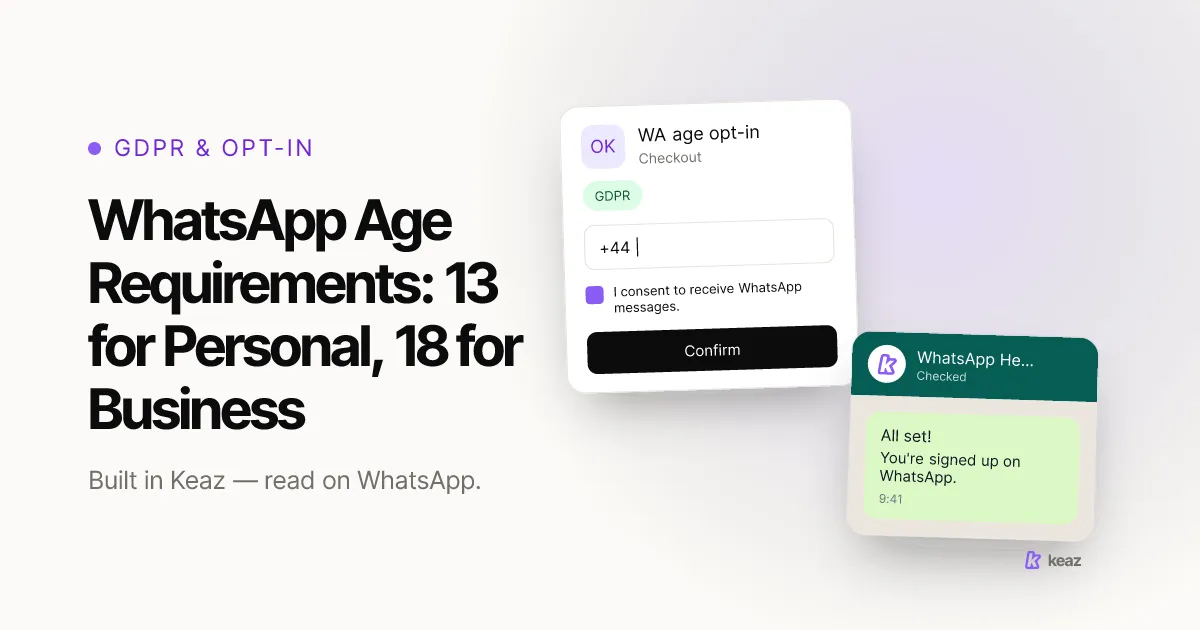
If WhatsApp tells you an account does not meet its age requirements, the first thing to establish is which account you are registering — because there are two different rules and the message does not say which one you hit. WhatsApp's consumer terms set the floor at 13, or higher where a country requires it. The WhatsApp Business app sets a stricter floor: whoever accepts its terms must be at least 18, or the age of majority where they live.
- 13 years is the minimum age to register and use WhatsApp on your own, or such greater age as your country requires (WhatsApp Help Center, retrieved 2026-10-15).
- 18 years, or the age of majority in your country of residence, is what the WhatsApp Terms for WhatsApp Business App require of the person accepting them (effective 23 September 2026, retrieved 2026-10-15).
- 2 sources feed the age WhatsApp holds against a registration: a birthday entered in the app, and an age range the Apple or Google app store may share instead (WhatsApp Help Center, retrieved 2026-10-15).
What does the WhatsApp age requirement error actually mean?
It is a registration block, not a ban. WhatsApp is saying that the age it holds for this account sits below the minimum it requires, so it will not complete the step. WhatsApp lists failing the minimum age eligibility requirement among the documented reasons a registration cannot be completed, alongside unsupported or incorrectly entered phone numbers, inactive SIM cards, unstable connections and undelivered verification codes (WhatsApp Help Center, retrieved 2026-10-15).
Two things follow. First, this is not the same as an account that has been reviewed, restricted or disabled for policy reasons — those happen to accounts that already exist and already send. An age block happens before any of that, which is why the usual advice about appeals and sending volume does not apply. Second, the wording is ambiguous on purpose or by accident, because WhatsApp runs two age floors in parallel and the message names neither.
So the first diagnostic question is not “how old does WhatsApp think I am” but “which account am I registering”. If your account already exists and sends, and the trouble started afterwards, you are probably looking at a different state altogether — what a WhatsApp account under review means walks through the three states that come after registration.
Is the minimum age 13 or 18?
Both, depending on what you are signing up for. This is the part almost nobody states plainly, and it is the whole answer for anyone registering a number for a shop.
- Personal WhatsApp: 13. You must be at least 13 years old, or such greater age as is required in your country or region, to register for and use WhatsApp on your own. Below that, a parent or guardian can create a parent-managed account where those are available; WhatsApp says they are rolling out gradually and may not be offered everywhere (WhatsApp Help Center, retrieved 2026-10-15).
- WhatsApp Business app: 18. The WhatsApp Terms for WhatsApp Business App, effective 23 September 2026, require that you “are authorized to enter into these Business App Terms and are at least 18 years old (or the age of majority in your country of residence)” (retrieved 2026-10-15).
That gap matters in practice. A 16-year-old can legitimately hold a personal WhatsApp account and still be ineligible to accept the Business App terms — and a founder who is old enough for both may still be registering on a device whose app store reports an age range that is not theirs. Which of the three WhatsApp products you are actually using is worth settling before you troubleshoot anything else; the difference between WhatsApp, WhatsApp Business and the Business Platform sets out which is which.
One honest limit: as of 2026-10-15, Meta's business-messaging documentation does not state an age requirement for registering a phone number on the WhatsApp Business Platform. The 18-year floor above is written into the Business App terms, so that is what we cite and that is as far as the documentation goes.
How does WhatsApp know your age?
This is the question that decides whether you can fix the problem yourself, and WhatsApp answers it in one sentence that is easy to miss because it sits inside the parent-managed account instructions:
“Depending on legal requirements where you live, app stores from Apple or Google may share your child's age range with us instead. If you want to learn more or think the wrong age range was shared with us, you can visit the Apple or Google help centers, or check their device settings.” (WhatsApp Help Center, retrieved 2026-10-15)
So there are two sources, and they behave differently. One is a birthday you enter during setup, which you control. The other is an age range the app store hands over, which you do not control from inside WhatsApp at all — and in the regions where that applies, it is the one that decides. That explains the case that otherwise makes no sense: an adult, with a correct birthday, blocked anyway. The signal did not come from the birthday.
Where it also explains something is the second-hand device. A phone set up under a family member's Apple ID or Google account, or one that was once configured for a child, can carry an age range that has nothing to do with the person now holding it. Nothing inside WhatsApp will show you that value, which is why the fix starts somewhere else.
What can you do when the age check blocks you?
In this order, because each step rules out the next:
- Establish which product you are registering. Personal WhatsApp, the WhatsApp Business app, or a number onto the Business Platform through a provider. The floor is 13 for the first and 18 for the second.
- Check the age range your app store holds. On the Apple or Google account used on that device, not inside WhatsApp. This is the step WhatsApp itself points to, and in the regions where app stores share an age range it is the one that matters.
- Check the device, not just the account. A handset inherited from a family member, or one still carrying a child profile or screen-time configuration, is the most common reason an adult sees this at all.
- Update WhatsApp, then retry once. WhatsApp's own remedy for the age cause is to make sure you meet the minimum age requirements per the Terms of Service and to update WhatsApp to the latest version (WhatsApp Help Center, retrieved 2026-10-15). Retrying before you have changed anything upstream will not do it.
- If it is a business number, use the business route. The Business App Terms point to WhatsApp's complaints channel for suspension and termination, with a separate form for the EU and UK. That is a route for a disputed account action, not an age correction — worth knowing it exists, and worth not confusing the two.
One thing we will not invent: as of 2026-10-15, WhatsApp's help center publishes no age-specific correction or appeal form. If the age range at the app store is right and the block persists, the documented options run out, and the honest answer is that the next step is support rather than a self-service fix.
What does this mean for a shop onboarding to WhatsApp?
It means the blocker sits upstream of everything else you were planning. A WhatsApp marketing stack starts with a WhatsApp Business account that exists and is verified; if registration will not complete, there is no account to connect a provider to, no number to send from and nothing to measure. This is one of the few WhatsApp problems that stops the project rather than slowing it down.
The practical consequence for a shop is about who registers. If the number is being set up by whoever happens to have the handset — a working-student, a junior in the shop, a family member's old phone — the 18-year floor in the Business App terms is a real constraint, not a formality. Registering the business number on a device and an app-store account that belong to an adult authorised to accept the terms removes the whole class of problem before it starts.
Once that account exists, connecting it is the next step rather than a parallel one. Our help center walks through connecting your WhatsApp account to Keaz and what the WhatsApp profile settings control afterwards. What you can do with the account once it is live — flows, newsletters, a shared inbox — is on the Keaz features overview.
Common mistakes
- Retrying the same screen. The age WhatsApp holds does not change because you tried again. If nothing upstream changed, nothing downstream will either.
- Registering a second number instead. The most expensive reflex, and the same one that makes account reviews worse. It does not route around a device or app-store age range, because that signal follows the device, not the number.
- Entering a false birthday. WhatsApp states that creating an account with false information, or registering one on behalf of someone who does not meet the minimum age, violates its Terms of Service (retrieved 2026-10-15). For a business number that is a bad trade: you would be putting the account you depend on at risk to skip a settings screen.
- Treating it as a ban and filing an appeal. The complaints route in the Business App Terms is for suspension and termination of an account that exists. An age block at registration is a different thing, and sending it down the wrong channel costs days.
- Trusting an undated number from a forum. The “16 in Europe” figure circulates widely and is not what the current terms say; the floor WhatsApp publishes today is 13, with the country carve-out above it. Age rules move, so check the date on whatever you read, including this page.
The useful takeaway is the split. Two WhatsApp age rules exist, they sit at 13 and 18, and the error message names neither — so the first move is to work out which account you are actually registering, not to retry the same screen. If the number WhatsApp holds is wrong, the correction usually lives at the app store rather than inside WhatsApp.
Once the account is registered and connected, the next question is how much sending volume your shop realistically needs. The Keaz Forecast works it out from your Shopify numbers.
This text summarises WhatsApp's published terms and help center rather than giving legal advice — have your own counsel review this if it matters to your case.
Frequently asked questions
What is the minimum age for WhatsApp?
Is the age requirement different for WhatsApp Business?
Why did WhatsApp think I am under age when I am not?
Is there a WhatsApp appeal form for an age block?
Does an age block stop me from using Keaz?

Nils Spölgen
Founder at Keaz. Serial founder in chat marketing — built a local agency into Keaz, the WhatsApp marketing platform for Shopify. Bootstrapped the MVP, raised funding, and scaled to 200+ merchants in DACH. Writes about flows, opt-in & GDPR, Klaviyo, and realistic revenue benchmarks — prefers conservative math over impressive claims. View profile