A WhatsApp keyword is a trigger word your customer sends, and an answer your shop sends back on its own. In Keaz you store the word, you store the reply, and from the moment you save it every contact who types that word gets that answer — no one at the desk, no delay, and no separate activation step. It is the cheapest way to stop answering the same five questions twenty times a week.
- Three keywords are already live in every Keaz account — Widerruf, Stop and Datenschutz. You can rewrite what they answer, but you cannot delete them.
- One keyword holds as many trigger words as you want, so "shipping", "delivery" and "tracking" can all reach the same reply.
- 7% of shoppers say a single bad self-service experience would stop them buying from that store again (Baymard Institute, quantitative study of 1,026 US adults, updated 2025).
What is a WhatsApp keyword, and how does it work?
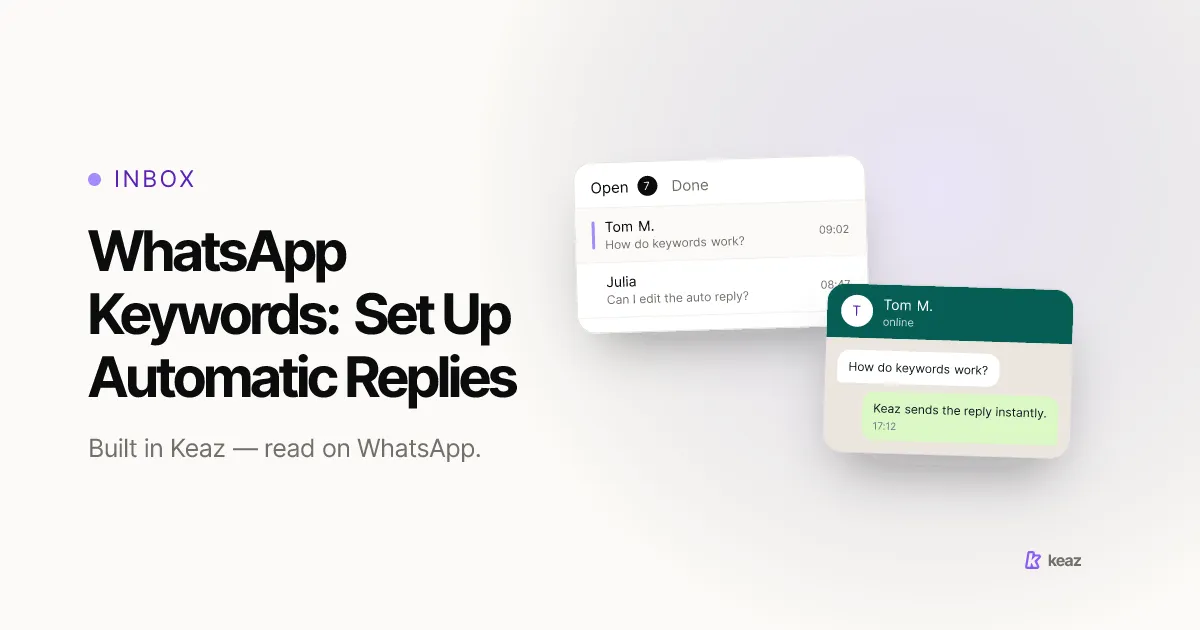
A keyword turns a question you answer over and over into an answer that sends itself. Your customer writes "shipping" into the chat; Keaz recognises the word and replies immediately with the text you wrote once. Nothing queues, nothing waits for office hours, and your team only sees the messages a person actually has to read.
That matters because the channel is where your customers already are. Bitkom's representative survey of 1,003 people in Germany found that 88% of smartphone users use messenger apps — around 50 million people (Bitkom, 2021). A question that arrives on WhatsApp expects a WhatsApp answer, not a link to a contact form.
In Keaz a keyword has exactly three fields, and that is the whole model:
- Title — the internal name. Your contacts never see it; it only helps you find the keyword again.
- Trigger word — the word that starts the automation. Press Enter after each one to add more; every word becomes its own tag.
- Response — the text Keaz sends the moment a trigger word arrives.
One rule decides everything else: keyword logic takes precedence over every other automation. If an incoming message matches a trigger word, that keyword answers and nothing else fires. The Keywords overview in our help center shows the list view and the search field you will need once you have more than a handful.
Which keywords does every Keaz account already have?
You start with three, and you did not have to build them. They exist so a contact can always exercise their rights over WhatsApp itself, in the same chat window they were messaged in:
- Widerruf — trigger word "widerruf". Sends the required response when a contact withdraws consent to data processing.
- Stop — trigger words "stop" and "Stopp". Opts the contact out of further communication.
- Datenschutz — trigger word "datenschutz". Answers a request about how their data is handled.
A lock icon marks them in the list. You can rewrite what they say — and you should, so they sound like your shop rather than a form letter — but you cannot remove them. Note that "Stopp" ships as a second trigger word on the Stop keyword: proof, built into the product, that one spelling is never enough.
These three cover the exit, not the entrance. How you collect permission in the first place is a separate job, and we cover it in our guide to GDPR-compliant WhatsApp opt-in. Opt-in stays explicit, documented and revocable whatever your keywords say.
How do you set up your first keyword?
Budget five minutes for the first one and about ninety seconds for every one after that. The whole flow lives in the Inbox:
- Open the Inbox and click the Automation button. The sidebar lists Keywords, Conversation Starter and Default Reply.
- Choose Keywords, then Create Keyword at the top right. The editor opens with empty fields.
- Give it an internal Title you will still recognise in six months — "Shipping status", not "Keyword 4".
- Type your first trigger word and press Enter. Repeat for every spelling and synonym your customers actually use.
- Write the Response, then read the live preview on the right. It renders your text as a real WhatsApp message, with your business name and badge, so a typo or a bad line break is obvious before anyone receives it.
- Hit Save. The keyword takes effect immediately — there is nothing to publish and no activation step.
Every field, including what the preview does and does not show you, is documented in the Keyword Editor article.
Which keywords should a Shopify store start with?
Do not guess. Open the Inbox, read the last two weeks of incoming messages, and count. The five questions you see most often are your first five keywords, and for most Shopify stores they land close to this list:
- Order status — triggers like "shipping", "delivery", "tracking", "where". The single highest-volume question in e-commerce support.
- Returns and exchanges — "return", "exchange", "refund". Point at your returns page rather than restating the policy in chat, so there is one version to keep current.
- Sizing or product fit — "size", "fit", "measurements". A pre-purchase question, which makes it a revenue keyword, not a support one.
- Hours and contact — "hours", "open", "phone". Cheap to answer, and it stops a customer assuming you are gone.
- Talk to a person — "human", "agent", "help". Give people an explicit way out of the automation.
The payoff is not only saved time. Baymard Institute's quantitative study of 1,026 US adults found that 7% would never purchase from a site again, and a further 8% would be unlikely to, solely because of one bad self-service experience (Baymard Institute, updated 2025, retrieved 2026-08-31). Keywords are the cheapest self-service you can ship.
Keywords answer; they do not sell. For the automations that go out on a Shopify event — cart recovery, post-purchase, back-in-stock — see the Keaz flow templates. And if you are still deciding how support on WhatsApp should be staffed at all, our guide to WhatsApp customer support for Shopify stores covers where an automated reply helps and where a person should take over.
What happens to a message that matches no keyword?
Nothing is lost — it simply waits in the Inbox for a human, unless you have switched on the Default Reply. The Default Reply is an optional catch-all for every incoming message that triggers no keyword, and Keaz sends it at most once every 24 hours per contact. That cap is what makes it safe to leave on permanently: a customer who sends five messages in a row gets one automatic answer, not five.
The two never collide. Keaz checks for a matching keyword first, and only a message that matches none of them reaches the Default Reply. One incoming message therefore produces exactly one automatic answer, or none.
One distinction is worth drawing before you build anything. The Default Reply answers a message no keyword matched, whatever the hour it arrives. If what you actually need is a reply that says you are closed right now, that is a different job — our guide to the WhatsApp away message covers what belongs in an out-of-hours and holiday reply.
The third automation, the Conversation Starter, sits outside this comparison entirely. It is not triggered by anything a customer sends — it is the template Keaz wraps around a chat you reopen after the reply window has closed, and it cannot be sent manually. If several people work the same number, how small teams share one WhatsApp inbox explains how the handover works in practice.
Common mistakes
Every one of these is cheap to fix and expensive to leave alone.
- One trigger word per keyword. Customers do not type your vocabulary. Store the plural, the misspelling, the English and the German version. Keaz ships "stop" and "Stopp" on the same keyword for exactly this reason.
- A reply that closes the door. An automated answer that offers no way to reach a person turns a small question into a bad review. End every reply with the route to a human.
- Softening the Stop keyword. You may rewrite its text, so it is tempting to make opting out sound like a mistake. Do not. A friction-free exit is the price of a list people trust, and an unsubscribe you obstruct becomes a block.
- Using keywords as a marketing channel. A keyword reacts to something a customer sent. It never starts a conversation, so it is the wrong tool for a campaign.
- Skipping the live preview. What the preview shows is what the contact receives. Reading it takes three seconds and catches the line break that made your reply look curt.
- Setting them once and never looking again. Your product range changes and so do the questions. Re-read the last two weeks of Inbox messages once a quarter and adjust the trigger words.
Keywords are the smallest piece of automation that pays for itself. Read two weeks of your own Inbox, write down the five questions you keep answering, and turn each one into a keyword with every spelling your customers actually use. Save it, and it works from that second on. Then leave the interesting conversations to a person — that was always the point.
Want to know what WhatsApp is worth for your shop before you build anything? Calculate your forecast — it uses your own Shopify numbers.
This article is a summary rather than legal advice. Have your own counsel review how you collect and document consent.
Frequently asked questions
Can one keyword have several trigger words?
Do I have to activate a keyword after saving it?
Can I delete the Widerruf, Stop and Datenschutz keywords?
Does a keyword override the Default Reply?
Can a keyword start a conversation with a customer?

Nils Spölgen
Founder at Keaz. Serial founder in chat marketing — built a local agency into Keaz, the WhatsApp marketing platform for Shopify. Bootstrapped the MVP, raised funding, and scaled to 200+ merchants in DACH. Writes about flows, opt-in & GDPR, Klaviyo, and realistic revenue benchmarks — prefers conservative math over impressive claims. View profile