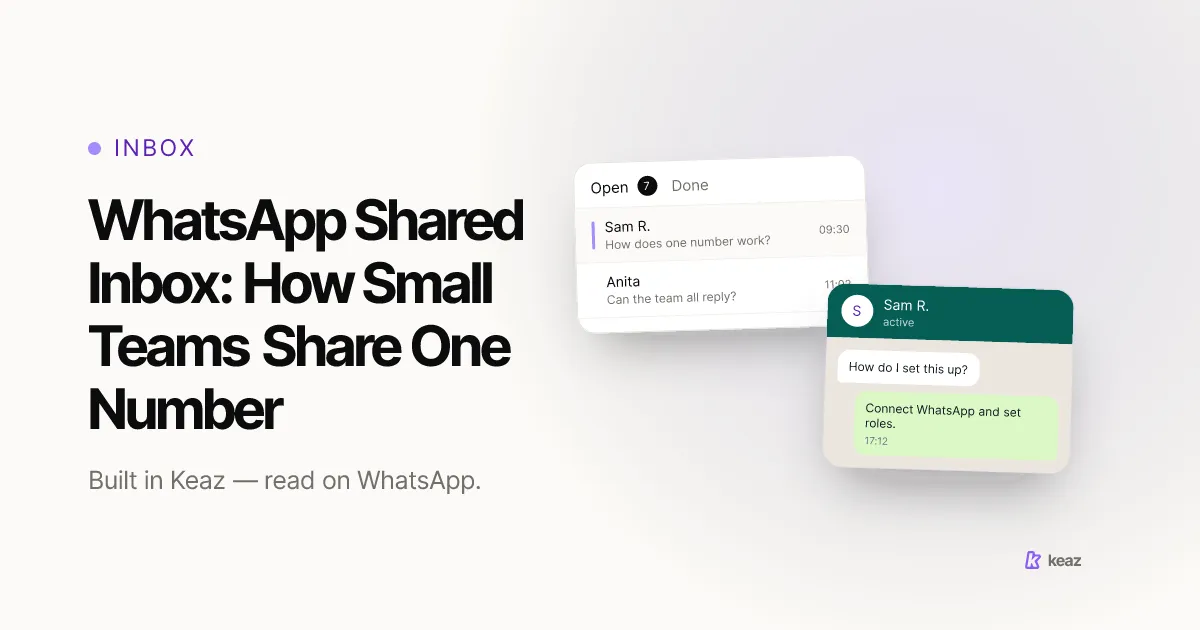
A WhatsApp shared inbox is one queue that several people work from, on a single business number. No phone gets handed around, nobody answers from a private number, and every conversation stays where the next person can read what was already said.
Short version:
- 24 hours. After each customer message you can reply with anything you like. Once that window closes, only approved template messages go out (Meta WhatsApp Business Platform documentation, retrieved 2026-08-24).
- Two filters, combinable. Chat state and label. That pair is the entire triage system, and it is what turns a long list into a short one.
- 15 minutes, no code. For a Shopify store the setup is connecting Shopify and your WhatsApp account — the rest is agreeing on a convention.
How do you set one up for a Shopify store?
The technical part is short. The part that decides whether this holds up in month three is the convention.
- Connect Shopify. This is required, and it is what puts order and customer context next to the conversation instead of in another tab.
- Connect your WhatsApp account. One business number, one queue.
- Agree the label vocabulary before you invite anyone. Three to five labels. Resist the urge to model everything.
- Decide the default filter each person starts their day from. Unread plus their own label is the usual answer.
- Write down the Done rule in one sentence. "Done means the customer has what they asked for or a date when they will." Undefined Done is the single most common reason a shared inbox degrades back into a group chat.
The full toolset — ten flows and nine growth tools, live in fifteen minutes — is on the Keaz features page, and the per-vertical picture is on Industries. If the conversations you are coordinating are mostly support rather than marketing, WhatsApp customer support for Shopify stores covers that side in more detail.
Common mistakes
Every one of these is recoverable, and all of them are cheaper to avoid.
- Making labels carry two meanings at once. "Awaiting stock" and "Marc is handling this" are different axes. Mixing status and ownership into one label set is how you end up with fourteen labels and nobody filtering by any of them.
- Building the convention for a team you do not have yet. Three labels that three people actually use beat a taxonomy designed for a support department of nine.
- Leaving Done undefined. If Done means "I replied", the tab fills with conversations that are not finished, and people stop trusting it.
- Treating the reply window as a nice-to-know. Watch it while the conversation is live. Realising it closed and then reaching for a template is the expensive version of the same message.
- Expecting the shared inbox to unify other channels. It will not, and building a process that assumes it does means rebuilding that process later.
- Answering from a private number when things get busy. It works once. Then the customer replies to that number, and the conversation is invisible to everyone else.
A shared inbox is less a feature than an agreement, held together by four things: one queue with two states, labels that say who owns what, filters that turn the queue into a short list, and a visible reply-window clock. The tooling for that is a fifteen-minute setup. The convention takes one conversation with your team and saves you the argument every week after.
If you want to know what the WhatsApp channel is worth on your own Shopify numbers before you organise a team around it, run the Keaz Forecast — it works from your store's data rather than an industry average.
Frequently asked questions
Can several people answer one WhatsApp number at the same time?
What happens when the 24-hour reply window closes?
Can I restrict which team member sees which conversations?
Does this work for a store with several locations?
Do I need a bigger plan to add a second person?

Nils Spölgen
Founder at Keaz. Serial founder in chat marketing — built a local agency into Keaz, the WhatsApp marketing platform for Shopify. Bootstrapped the MVP, raised funding, and scaled to 200+ merchants in DACH. Writes about flows, opt-in & GDPR, Klaviyo, and realistic revenue benchmarks — prefers conservative math over impressive claims. View profile