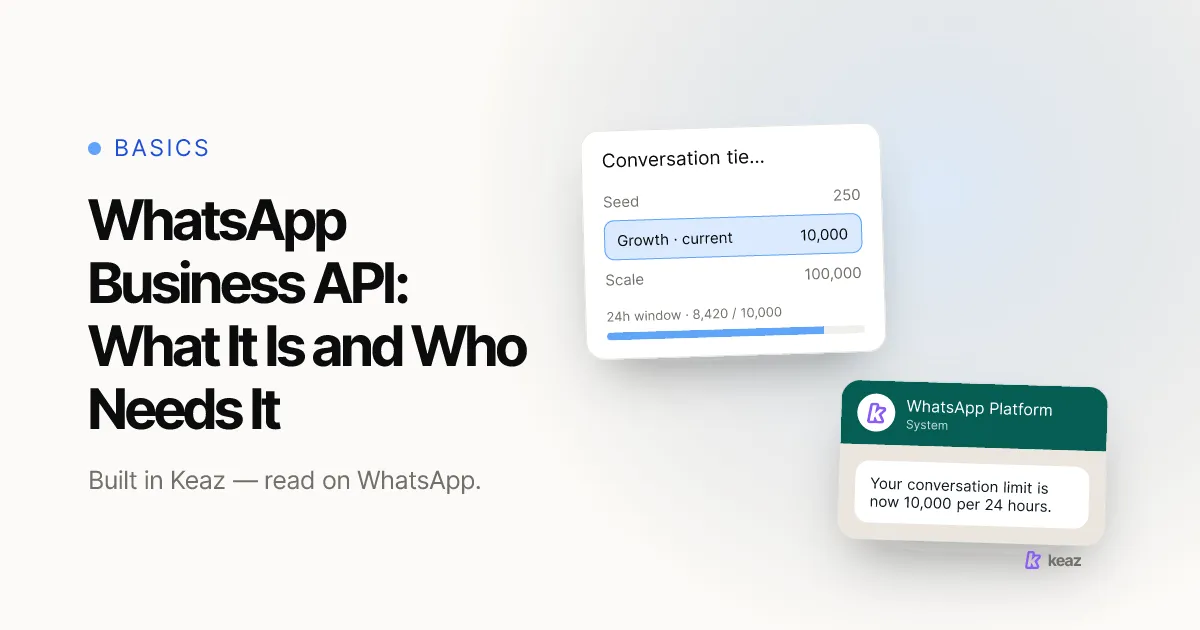
The WhatsApp Business API — Meta now calls the whole thing the WhatsApp Business Platform — is the programmatic way for a company to send and receive WhatsApp messages from its own software instead of from a phone. It has no app and no interface of its own: you reach it through a provider, and the provider gives you the inbox, the automations and the reporting. For a Shopify store that turns into one practical question, and it is not "how do I get the API". It is "has my volume outgrown a phone".
- 250 unique recipients per moving 24 hours is where every new business portfolio starts. It rises to 2,000 through a documented scaling path, and above that Meta scales it automatically.
- 3 template categories exist — marketing, utility and authentication — and a template is the only thing you can send to someone who has not messaged you in the last 24 hours.
- 2 working days is a realistic estimate for setup, most of which is Meta's review rather than the connection itself.
What is the WhatsApp Business API, exactly?
The API is an interface, not a product you install. Meta exposes it so that software can send messages, receive replies, manage templates and read delivery status on a business phone number. There is nothing to open and no chat list to scroll — everything a person actually looks at comes from whatever tool sits on top of it.
That is the part most explainers skip. "Getting on the API" in practice means signing up for a tool that has already done the integration. What you are buying is the layer around it: a shared inbox your team can work in, automations that fire on store events and inbound chats, an opt-in record you could show a regulator, and numbers you can report on.
Meta also renamed things, which is why search results contradict each other. WhatsApp Business API was the older on-premise product; the hosted one businesses start on today is the Cloud API, and the umbrella name is the WhatsApp Business Platform. All three phrases point at the same decision for a shop owner, so do not read a naming difference as a product difference.
How is it different from the WhatsApp Business app?
The app is a phone app: one number, one device story, a person typing. The platform is infrastructure: several people working one number, messages sent by software, and rules the app never has to care about.
Two documented differences matter more than the rest.
- Sending limits. A business portfolio on the platform has a messaging limit — the maximum number of unique WhatsApp users it can message outside a customer service window in a moving 24-hour period. Newly created portfolios start at 250, and the limit is set at portfolio level and shared by every business phone number in it, so one number can consume the whole allowance (Meta, Messaging Limits, 2026, retrieved 2026-09-02).
- The blue badge. The blue checkmark on an Official Business Account is requested through WhatsApp Manager, and as of 2026-08-24 it is not available for WhatsApp Business app numbers. Business app users have a separate paid route instead. It is a platform benefit, not a reward for being large.
What we deliberately do not do here is hand you an exhaustive capability matrix, because the boundary between the app and the platform moves and a stale table is worse than no table. The side-by-side comparison of the consumer app and the Business app lives in WhatsApp vs. WhatsApp Business.
Do you actually need it?
Probably not yet, and that is a real answer rather than modesty. If one person handles messages from one phone and the volume is a handful of conversations a day, the Business app is doing its job. The platform would add setup, a review process and a bill without solving a problem you have.
Three things change the answer, and they are all operational rather than technical.
- More than one person needs the same number. The moment two people are passing a phone around, or a message sits unanswered because the phone is in someone's bag, you have a workflow problem the app cannot fix.
- You want messages to send themselves. A shipping notification that goes out the second Shopify marks an order shipped is software work, not typing work. So is a cart nudge fifteen minutes after a checkout is abandoned.
- You need to prove consent. Messaging customers at marketing volume means keeping a per-contact record of when and how they opted in, and that record has to live somewhere more durable than a chat thread.
If none of the three is true for you, the useful move is to stay on the app and revisit next quarter. If one of them is, the other two usually arrive within a few months anyway.
Why does access run through a provider?
Access to the platform is mediated rather than self-service. You do not sign a contract with Meta and receive a login; a Business Solution Provider holds the technical relationship, and you keep the customer relationship. That is why every tool in this category is, underneath, a provider or a partner of one.
At Keaz that provider is 360dialog, based in Berlin, and you meet it exactly once, during setup. Our help centre walks the whole path: connecting your WhatsApp account covers the admin access you need to your Meta Business Portfolio, the company details Meta checks against the commercial register, and why we suggest starting on a Meta-provided number instead of hunting for a spare line of your own.
Two details from that page are worth pulling forward, because they surprise people.
- Your customers do not see the number. They see your display name, the way a saved contact appears — which is why setting it is its own step. See WhatsApp profile settings for the display name, avatar and About text.
- Business verification pays for itself early. It is one of the documented scaling paths out of the 250-recipient starting limit, so finishing it while you are still testing raises your ceiling before you have a campaign that needs it.
Choosing between providers is a separate question with its own trade-offs — pricing model, who owns the number, what happens if you leave. We work through it in how to choose a WhatsApp Business Solution Provider.
What changes in your day-to-day?
Four rules start applying that a phone user never meets. None of them is difficult, but all four change how you plan a send.
- Opt-in comes first. Meta requires an opt-in before you message someone, and it has to name the business the person is opting in to. The method is yours to design as long as it complies with the law that applies to you (Meta documentation, retrieved 2026-08-24).
- The 24-hour window governs replies. A customer service window opens when the user messages or calls you, and resets with each further message from them. While it is open your team can reply in free text; once it closes, free text is no longer an option (Meta documentation, retrieved 2026-09-02).
- Outside the window, only approved templates. Templates come in three categories — marketing, utility and authentication — and are the only message type you can send outside an open window. Meta re-checks categorisation and can move a template from utility to marketing with a day's notice, with 60 days to appeal (Meta documentation, retrieved 2026-08-24).
- Quality has consequences in both directions. Sit at Quality Flagged for seven days and your messaging limit drops a level immediately. Keep quality high and use at least half your limit over seven days, and it steps up a level within six hours.
Rates, current limits and the exact window rules live on one page we keep updated with retrieval dates: WhatsApp Business Platform prices, limits and rules. We deliberately do not restate the figures in this post, because they change on Meta's quarterly calendar and a copy inside an article goes stale quietly.
What does it cost to run?
Two bills, and confusing them is the most common budgeting mistake we see.
Meta charges you for messages. Since 1 July 2025 the model is per delivered message rather than per conversation, and the price depends on the recipient's market and the template category (Meta, Pricing, 2026, retrieved 2026-09-02). For DACH stores one detail is worth knowing before you model anything: Germany is priced as its own market, while Austria and Switzerland fall under Rest of Western Europe, so the same campaign costs different amounts across a market you probably think of as one.
Your provider charges you for the software — the inbox, the automations, the Shopify and email integrations, the reporting. That line is separate and it does not scale with message volume the same way, which is why a store sending a lot and a store sending a little can pay similar software fees and very different message fees.
That is also why "how much does the WhatsApp Business API cost" has no single answer: the first bill depends entirely on what you send and where. Current per-market rates and the free allowances that still apply are on the WhatsApp facts page, with the date each figure was read.
Common mistakes
Six that come up again and again in onboarding, in rough order of how expensive they are.
- Treating it as a bigger WhatsApp. It is a sending system with limits and a review process. Teams that plan a launch campaign for week one meet the 250-recipient starting limit at the worst possible moment.
- Building the audience after the setup. The platform does not come with contacts. Numbers get collected at checkout, in pop-ups and through chat-in links — the Keaz features overview lists the tools — and that work should start before the connection, not after it.
- Writing as marketing what could have been utility. Category drives both the price and what you are allowed to say. A shipping update dressed up with a discount code stops being a utility message, and Meta re-checks.
- Assuming a free-text reply is always possible. Support teams get caught by the closing window. If a conversation needs a follow-up tomorrow, that follow-up is a template — so write it before you need it.
- Insisting on your own number from day one. Starting on a provider-supplied number and migrating later looks slower on paper and is faster in practice, because finding a WhatsApp-free line of your own is usually the step that stalls a setup for weeks.
- Leaving business verification until you need it. It gates the badge, it raises your limit, and it takes longer than everything around it because the review is not yours to hurry. Start it on day one.
The WhatsApp Business API is plumbing, and plumbing is a means. What decides whether your store needs it is not the technology but three operational facts: how many people share the number, how much of the sending should happen without anyone typing, and whether you can prove consent per contact. If the honest answer is still "one person, all of it manual, and it works", the Business app is the right tool for another quarter. If it is not, the platform is the only route to the other three.
Want the number before you commit to the setup? Open the Keaz Forecast and see what WhatsApp is worth against your Shopify revenue.
Frequently asked questions
Is the WhatsApp Business API free?
Can I use the WhatsApp Business API without a provider?
How many messages can I send on the WhatsApp Business API?
What is the difference between the WhatsApp Business API and the Cloud API?
Do I need business verification before I can start?

Nils Spölgen
Founder at Keaz. Serial founder in chat marketing — built a local agency into Keaz, the WhatsApp marketing platform for Shopify. Bootstrapped the MVP, raised funding, and scaled to 200+ merchants in DACH. Writes about flows, opt-in & GDPR, Klaviyo, and realistic revenue benchmarks — prefers conservative math over impressive claims. View profile