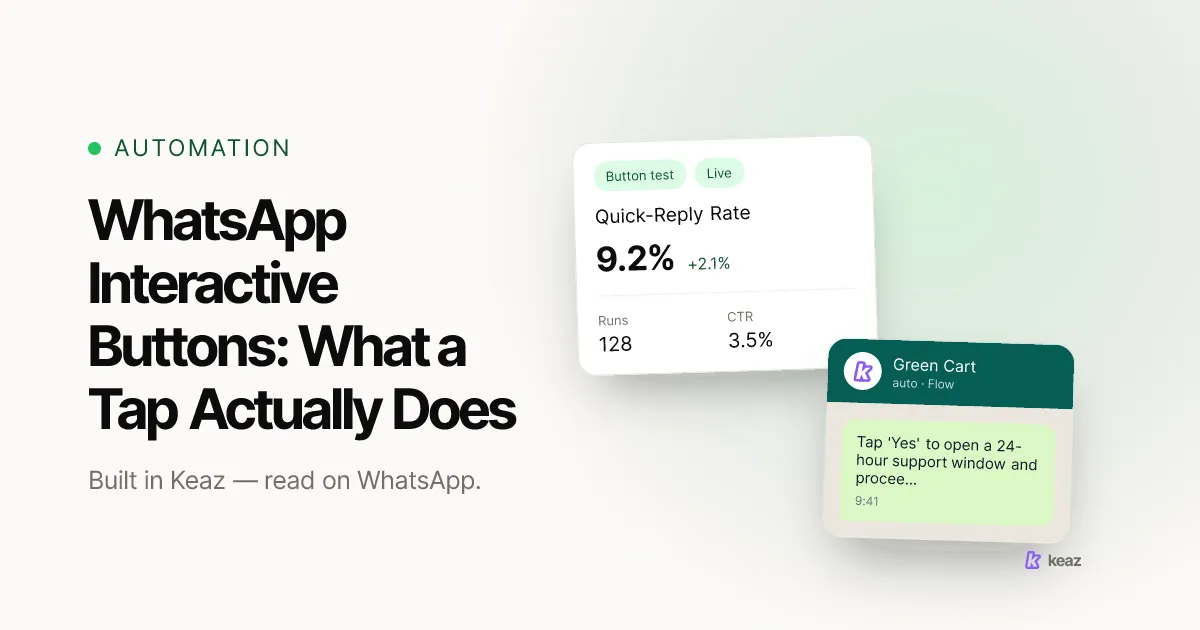
WhatsApp interactive buttons are tappable controls that sit underneath a message: quick replies that send a canned answer back to you, link buttons that open a URL, and a button that dials a phone number. The part most guides skip is the one that matters operationally. A quick-reply tap is an inbound message from the customer, so it opens the 24-hour customer service window and changes what you are allowed to send next. A link-button click does not.
- Three button types. Only the quick reply sends something back to you.
- A quick-reply tap opens or resets the 24-hour window. A link tap does not.
- In Keaz, buttons live in the Messages block of a flow, and each quick reply can write a label and change a contact's opt-in level.
What else does a quick reply do besides branching?
Branching is the obvious job. The useful one is what the tap writes to the contact record. Each quick reply in Keaz carries four settings:
- Button text — what the contact sees and taps.
- Leads to — which message follows the tap.
- Labels — a label written to the contact on tap, so the answer segments your audience without anyone exporting a spreadsheet.
- Change opt-in level — the subscription status the contact moves to, for example Double Opt-In or Unsubscribed.
That fourth setting is the one to think about carefully, in both directions. Because the contact taps the button themselves, a quick reply is a clean place to record a deliberate act: "Yes, send me the drop alerts" is an action the person took, logged with a timestamp, inside a conversation they started. It is also the cleanest place to put the way out. A button that sets the level to Unsubscribed makes withdrawing consent exactly as easy as giving it, which is the standard the GDPR asks for.
A tap is not automatically a valid consent, though. What the wording has to say, what you have to keep and when a second confirmation is needed are separate questions, and we work through them in collecting WhatsApp opt-ins the GDPR-compliant way. This is a summary of how the mechanics work rather than legal advice — have your own counsel review your wording.
Decide what each button is for before you style it. A link button moves someone to your shop and leaves the conversation closed. A quick reply brings them back to you, opens 24 hours of free-text room, and can label the contact and change their subscription status on the way. Those are different outcomes, and the button you choose is the one that picks between them.
Want to see what a conversational channel is worth for your shop before you build the flows? Run the Keaz Forecast on your own numbers.
Frequently asked questions
Does tapping a WhatsApp button cost the customer anything?
Do link buttons open the 24-hour window?
Can a quick reply unsubscribe someone?
Why can't I activate a flow that has buttons?
What does a quick reply write to the contact?

Nils Spölgen
Founder at Keaz. Serial founder in chat marketing — built a local agency into Keaz, the WhatsApp marketing platform for Shopify. Bootstrapped the MVP, raised funding, and scaled to 200+ merchants in DACH. Writes about flows, opt-in & GDPR, Klaviyo, and realistic revenue benchmarks — prefers conservative math over impressive claims. View profile