If you are hunting for the green checkmark on your WhatsApp Business account, you are hunting for the wrong colour. As of 24 August 2026, Meta's own Business Platform documentation describes the verified badge on an Official Business Account as blue — and it is granted on request, never sold. It is also not what decides whether you can message customers: a number on the WhatsApp Business Platform sends approved templates from day one, badge or no badge.
- Four eligibility rules, not a pile of documents: policy compliance, at least 30 days on the platform, two-step verification switched on, and an approved display name.
- €0 to request the badge — you ask for it in WhatsApp Manager and Meta decides. The paid Meta Verified subscription is a different product, for WhatsApp Business app users.
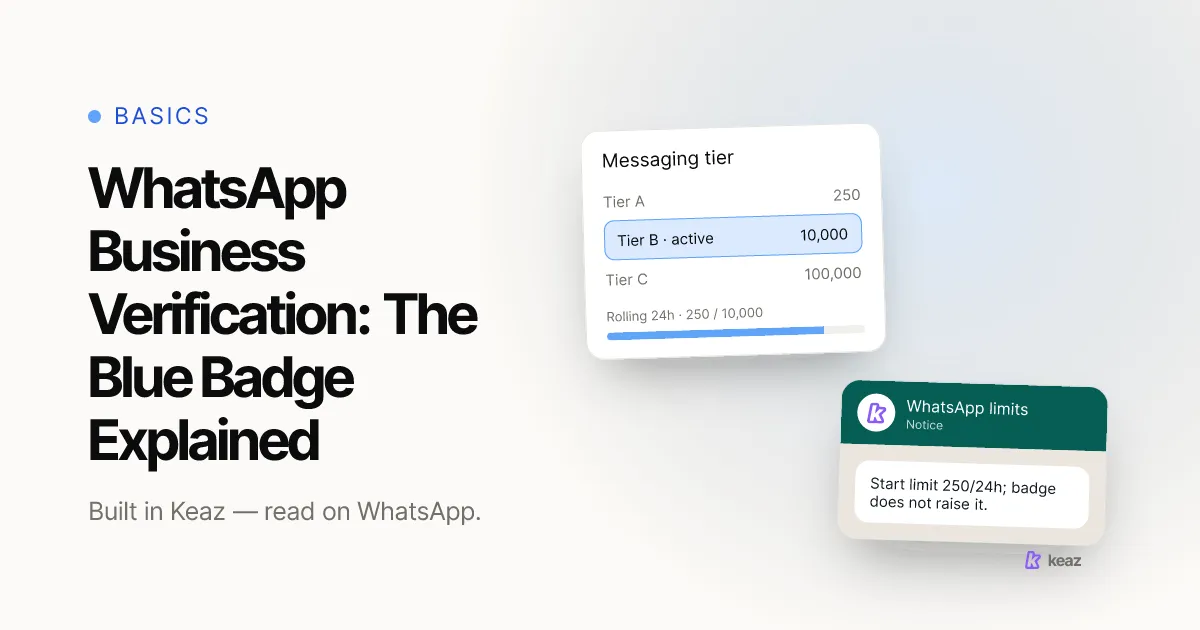
- 250 recipients in a rolling 24 hours is where a new sender starts, badge or not. Coverage and opt-in move that ceiling; a checkmark does not.
Is the WhatsApp checkmark blue or green?
Blue. Meta's documentation for Official Business Accounts describes the badge as a blue checkmark shown next to your business name (Meta for Developers, retrieved 24 August 2026), and that is the documentation that governs business accounts on the WhatsApp Business Platform.
If you have read "green", you have read an older description. Badge treatments have changed over the years, and consumer-facing and business-facing descriptions have not always matched — which is why "grüner Haken" still circulates in German-language articles and in store help pages copied from them. The practical rule: check the Business Platform documentation before you put a colour in your own FAQ, and write down the date you checked it.
This is not a pedantic point. Customers read the badge as a trust signal, so a help page promising a green tick next to a chat showing a blue one creates exactly the doubt you were trying to remove.
What the badge is: confirmation that the account represents an authentic, notable brand. What it is not: a permission. It does not unlock message types, does not raise a sending ceiling and does not shorten a template review.
Two neighbouring things get confused with it. Verifying your business entity inside Meta Business Manager is a separate process with its own requirements — our guide to connecting your WhatsApp account shows where that sits in the onboarding. And verifying a WhatsApp Channel is a third, unrelated thing, because a Channel is a broadcast surface rather than a business account.
Who is eligible for an Official Business Account?
Four conditions, and all of them are things you control (Meta for Developers, retrieved 24 August 2026).
- Your account complies with WhatsApp's business and commerce policies. Compliance, not absence of complaints — the two diverge fast on a bought list.
- The account has been on the platform for at least 30 days. The clock starts when your number goes live, not when you sign up for a tool.
- Two-step verification is switched on. A five-minute job that people leave until last.
- Your display name is approved. This is the name customers see in the chat instead of your number — set it in your WhatsApp profile settings.
One structural limit sits on top of those four: the badge is not available for numbers registered to the WhatsApp Business app. An Official Business Account is a WhatsApp Business Platform feature, so if you run your store from the free app on a phone, this path is closed to you entirely. Which of the two products you are actually on, and why the difference decides more than the badge does, is the subject of our comparison of WhatsApp and WhatsApp Business.
The 30-day clock and the policy condition are the two people underestimate, and they interact: a number that collected blocks and reports in its first weeks is not a serious candidate. Getting the badge and keeping a clean sending record are therefore the same project, not two — what gets a WhatsApp number restricted covers the mechanics.
How do you request WhatsApp business verification?
There is no shortcut in this list, and the order matters: display-name approval and the 30 days both have to be behind you before a request is worth making.
- Get your number onto the WhatsApp Business Platform. This runs through a solution provider rather than directly with Meta. With Keaz it happens during onboarding when you connect your WhatsApp account — around 15 minutes of active work.
- Get your display name approved. Use the name customers know you by rather than your full legal entity, and skip special characters and umlauts — they do not carry over reliably.
- Switch on two-step verification. Do it the day the number goes live so it is never the thing holding you up.
- Let the account run clean for 30 days. Documented opt-in, relevant sends, a low block rate. This month is not dead time — it is when your coverage gets built.
- Request the Official Business Account in WhatsApp Manager. You request it yourself; Meta grants or declines it. There is no queue you can pay to skip.
Worth separating from all of the above: verifying your business entity in Meta Business Manager — registered name, address, phone number, and a commercial register extract if Meta asks for one. That is a different review with a different purpose, and our setup guide walks through it screen by screen. Incomplete company details are the most common reason it fails.
Can you buy a WhatsApp blue checkmark?
Not the Official Business Account badge. It is requested and granted, which means anyone offering to sell you one is selling something they cannot deliver. Handing Business Manager access to a stranger in order to get it is the more expensive half of that mistake.
There is one paid path, and it is a different product. Meta Verified is a subscription available to WhatsApp Business app users (WhatsApp FAQ, retrieved 24 August 2026). It is a separate offering with separate terms, not a faster lane to the same badge.
So the honest answer depends on your setup. Running the app on a phone: a paid subscription exists. On the Business Platform through a provider, which is where a Shopify store running flows and campaigns sits: you request the badge, and you do not pay for it.
Common mistakes
These are the ones that cost stores weeks, in rough order of frequency.
- Waiting for the badge before you start sending. Approved templates go out on day one. Holding a launch for a checkmark trades a month of selling for a cosmetic detail — and the 30-day clock only runs while the number is live anyway.
- Requesting it in week one. The 30-day minimum is not negotiable, and a declined request speeds nothing up.
- Chasing an Official Business Account on the WhatsApp Business app. It is not available for app-registered numbers, so the effort has nowhere to land.
- Copying "green checkmark" into your own help page. A customer checks, sees blue, and trusts the rest of the page less.
- Paying a reseller for it. Nobody outside Meta can grant it. The account access you hand over, on the other hand, is entirely real.
- Treating verification as a deliverability fix. Blocks and reports move your sending ceiling. A badge does not touch it.
- Confusing the three verifications. Business entity in Meta Business Manager, Official Business Account badge, WhatsApp Channel verification. Different processes, different objects, different outcomes.
What actually moves revenue while you wait?
The badge is cosmetic. Coverage is not. The number that decides what WhatsApp is worth to your store is Customer Contact Coverage — the share of your last-12-months Shopify customers you can reach on WhatsApp at all. Shops typically start somewhere between 35% and 55% and reach 85%+ in about 60 days once the coverage strategies are running.
After that it is a question of which flows fire. Cart Recovery converts at 18–30% and accounts for roughly 40% of WhatsApp revenue in most stores; Back-in-Stock sits at 25–40%. All of it runs whether or not your name carries a tick — see the flow templates Keaz ships with. Per-vertical ranges for pet, beauty, food and the rest are on our industries page.
WhatsApp adds to email rather than replacing it, and the split is the argument: across Keaz audiences, 24% are reachable by email only, 38% by both, 34% on WhatsApp only and 3% by neither. About a third of your customers are reachable on WhatsApp and nowhere else. Published benchmark bands put WhatsApp read rates above 90% against email open rates of 30–40%, with roughly 1.5× the conversion rate on a shared audience — how we calculate those bands is written up separately.
None of it works without explicit, documented, revocable opt-in — Meta requires consent before you message someone, and the opt-in has to name the business collecting it. That is the requirement worth chasing. The badge is the decoration on top.
The badge is blue, you request it rather than buy it, and four conditions plus thirty clean days are the whole story. It is worth having. It is also worth nothing on its own: what fills a WhatsApp programme with revenue is how many of your customers you can reach and whether a flow fires when a cart is abandoned. Both of those are available to you today, unverified.
This is a summary of Meta's published rules as retrieved on 24 August 2026, not legal advice. Check the current documentation before you rely on it, and have your own counsel review anything you put in front of customers.
Want the number before the checkmark? Calculate what WhatsApp is worth for your store — it takes your Shopify data and puts a monthly figure on it.
Frequently asked questions
Do I need verification to send WhatsApp marketing messages?
Is the WhatsApp business badge green or blue?
How long does WhatsApp business verification take?
Can I get the badge on the WhatsApp Business app?
Does the badge raise my messaging limit?

Nils Spölgen
Founder at Keaz. Serial founder in chat marketing — built a local agency into Keaz, the WhatsApp marketing platform for Shopify. Bootstrapped the MVP, raised funding, and scaled to 200+ merchants in DACH. Writes about flows, opt-in & GDPR, Klaviyo, and realistic revenue benchmarks — prefers conservative math over impressive claims. View profile