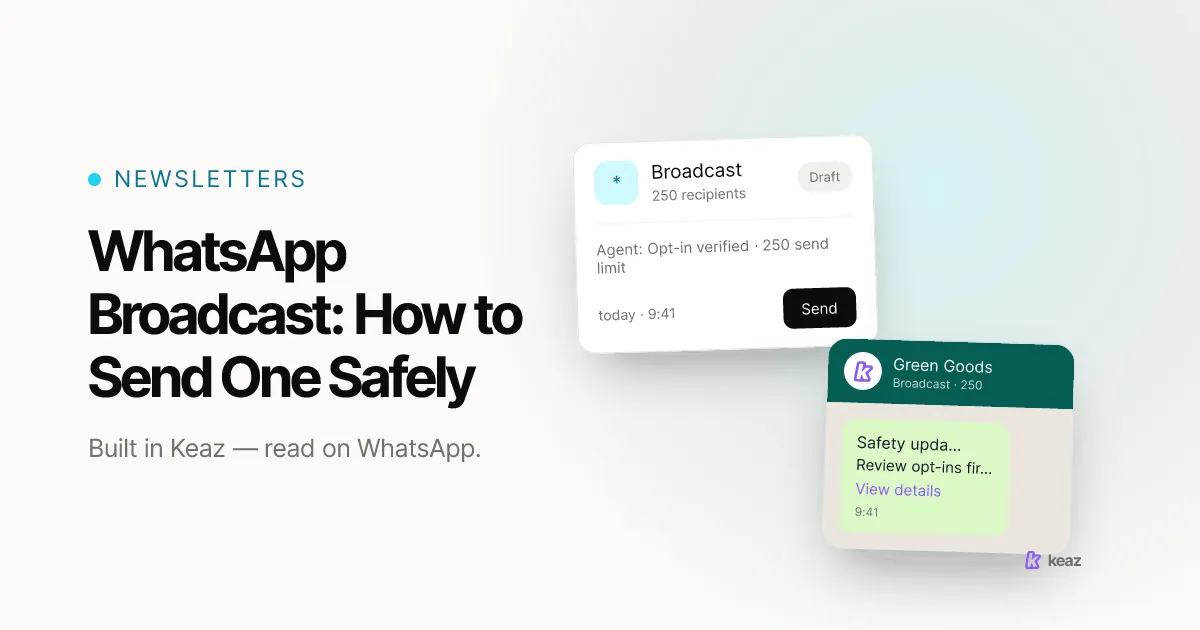
A WhatsApp broadcast is safe when three things line up before you press send: every recipient gave you a documented opt-in, the message goes out as an approved template in the right category, and the send fits inside the messaging limit your number currently has. In that order. Get the order wrong and you are not risking a slower campaign — you are risking the number your whole shop sends from.
In short
- Meta's documentation puts a new Business Platform number at 250 unique recipients outside an open service window per moving 24 hours, moving toward 2,000 through documented scaling paths and scaling automatically above that (Meta for Developers, retrieved August 2026).
- Messaging limits accrue at business portfolio level, across every WhatsApp Business Account the portfolio owns — so a second number adds no headroom (Meta for Developers, retrieved August 2026).
- Segmented sends hold roughly 30% engagement; unsegmented broadcasts fall to 15–25% and collect blocks instead (published benchmark band — how we calculate).
What is a WhatsApp broadcast, exactly?
Merchants use the word broadcast for two different things. One is the broadcast list in the WhatsApp Business app — a manual tool, fine for a handful of regulars. The other is a one-to-many send through the WhatsApp Business Platform: one message, one segment, approved templates, and delivery and read rates you can act on.
This article is about the second one, because it is the only path that gives a Shopify store the two things a large send depends on: a consent record per contact, and a view of the limits it is sending against.
In Keaz that send is called a newsletter. It always goes to a segment rather than a hand-picked list, and the send panel shows the segment size before you commit — see Newsletter: Sending. If you are still building the list the send goes to, how to set up a WhatsApp newsletter covers that side first, and what the platform does covers the flows around it.
What are you actually sending against?
Three Meta-set mechanics decide whether a broadcast lands or costs you the number. None of them is optional, and all three are published.
Opt-in. Meta's policy requires an opt-in before you message someone, and requires the opt-in to name the business collecting it (Meta for Developers, retrieved August 2026). The method is yours as long as it complies with applicable law.
Templates. Outside an open customer service window, an approved template is the only message type that goes out at all. Every template carries a category — marketing, utility or authentication — and that category is what you are charged on and judged on.
Messaging limits. Meta defines the limit as the maximum number of unique WhatsApp users you can message outside an open customer service window within a moving 24-hour period, counted at the level of your whole business portfolio rather than per number (Meta for Developers, retrieved August 2026).
Rule of thumb: your send size is capped by your portfolio, not by your list. Check the limit before you build the segment, not after.
How do you send a broadcast safely, step by step?
Six steps, and the order is the point.
- Start from consent, not from a contact list. A phone number in a Shopify order is a delivery detail. Keaz stores how much consent each contact has given as an opt-in level, so a marketing send can filter on it. Collecting it properly is covered in our guide to GDPR-compliant WhatsApp opt-in.
- Build a segment with a reason. Last-90-day buyers, one product category, a back-in-stock list. Segmented sends hold roughly 30% engagement against 15–25% for unsegmented ones (published benchmark band, how we calculate) — same list, same product, different reason to open it.
- Choose the template, then check its category. A utility template has to be non-promotional and either specific to the user or essential to them; mixed content becomes marketing, and Meta re-checks categories on a recurring basis, moving a mislabelled utility template to marketing with one day's notice (Meta for Developers, retrieved August 2026). Picking the starting template in Keaz is one screen — Newsletter: Template Selection.
- Size the first send to the limit you actually have. New numbers start at 250 unique recipients per moving 24 hours outside an open service window and move toward 2,000 through the documented scaling paths; above that Meta scales automatically while quality stays high and you use at least half the limit you already hold. Plan against what WhatsApp Manager shows your account rather than a ladder from an article.
- Send when you can answer. A broadcast produces replies, and each reply opens a 24-hour customer service window — the only window in which you can answer with a normal, non-template message. Those replies are service messages, and what they cost changed on 1 October 2026: free between 1 November 2024 and 30 September 2026, they are now charged per delivered message, with the first 1,000 per business phone number free each month and no volume tiers beyond that (Meta for Developers, retrieved 2026-10-02). Keaz counts that window down in the composer — Inbox: 24h Reply Window. A Friday-evening send to five thousand people is a Monday-morning problem.
- Read the result before the next send. Delivery, read and reply rate per segment tell you whether the next one should be larger or narrower. Quality rating is the number to watch: a number flagged for seven days has its messaging limit lowered by one level immediately (Meta for Developers, retrieved August 2026).
How large can a single broadcast be?
Smaller than most merchants expect at first, and larger than they need.
The ceiling is per moving 24 hours, not per send, and it counts unique recipients outside an open customer service window. Two sends of 200 on the same day are one send of 400 as far as the limit is concerned. Contacts who messaged you recently, and whose service window is still open, do not count against it at all.
Because the limit accrues across the whole business portfolio, adding a second number does not add headroom — it splits the same ceiling. If you run more than one shop from one portfolio, they share it.
The practical consequence for a first campaign: a 5,000-contact list at 250 per day is twenty days. That is a reason to raise the limit deliberately, not a reason to send anyway. Consistent, useful sends inside the limit are exactly what the automatic scaling responds to.
Common mistakes
These are the ones that turn a broadcast into a recovery project — and WhatsApp account banned? Causes and how to recover covers what that recovery actually looks like.
- Sending the whole list on day one. The limit is a rolling 24-hour ceiling, so a large list is a schedule rather than a single send.
- Adding a number to buy headroom. Limits accrue at portfolio level, so the second number inherits the same ceiling.
- Filing a promotion as a utility template. Category checks recur, and the correction arrives with one day's notice.
- Broadcasting without a reply plan. Replies arrive within minutes on WhatsApp, and the window in which you can answer with a normal message runs for 24 hours from each message. Budget for those replies as well as for the send: since 1 October 2026 they are charged beyond the first 1,000 per number per month.
- Measuring the send on read rate alone. Read rate on WhatsApp is high almost by default. Reply rate and revenue per send are what separate a good broadcast from a lucky one.
- Re-messaging dormant customers instead of re-asking them. Smart Activation asks customers with no order in the last twelve months for consent again, and is capped at twice a year for exactly that reason.
A safe broadcast is a sequencing problem more than a copywriting one. Consent first, template category second, send size third. In that order the channel compounds: the limit rises because you used it well, and the list stays intact because the people on it asked to be there.
If you take one thing from this: your list is not your reach. Your reach is whatever your current messaging limit lets you touch in 24 hours, and it grows on evidence.
Worth knowing before the first send — how much of your customer base is reachable on WhatsApp at all, and what that is worth per month. Calculate your forecast: a few minutes, no code. How the numbers are derived is written up in the Forecast methodology.
Sources: Meta for Developers — messaging limits, template categorization and policy enforcement, all retrieved August 2026. Product behaviour is from the Keaz help center, retrieved August 2026.
Frequently asked questions
Can I send a WhatsApp broadcast without an opt-in?
How many people can I reach on the first day?
Does a second phone number double my reach?
Is a broadcast the same thing as a WhatsApp newsletter?
What happens if I get it wrong?

Nils Spölgen
Founder at Keaz. Serial founder in chat marketing — built a local agency into Keaz, the WhatsApp marketing platform for Shopify. Bootstrapped the MVP, raised funding, and scaled to 200+ merchants in DACH. Writes about flows, opt-in & GDPR, Klaviyo, and realistic revenue benchmarks — prefers conservative math over impressive claims. View profile