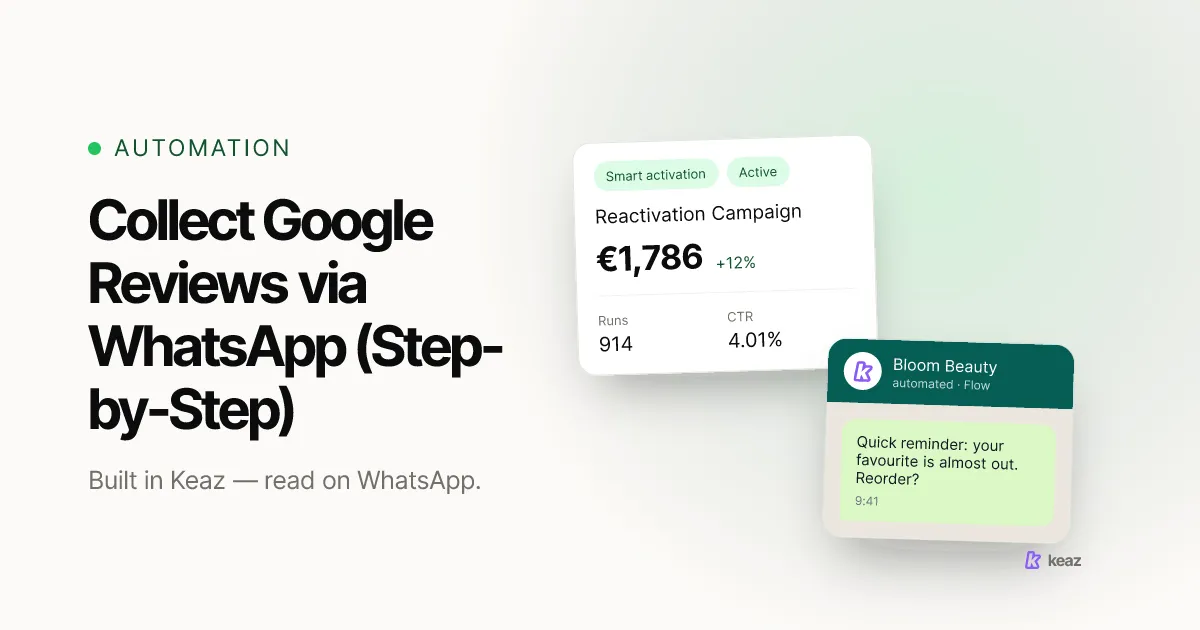
You can collect Google reviews via WhatsApp by sending a short, opt-in-based request — with a direct review link — right after a positive moment like a delivered order or a resolved support chat. Because WhatsApp messages are read far more often than email, a well-timed request turns happy customers into public reviews without feeling pushy.
TL;DR:
- Ask within 24–72 hours of a positive moment (delivery, resolved ticket, repeat order).
- Send a one-tap Google review link so leaving a review takes seconds.
- Only message customers who opted in — WhatsApp requires documented consent.
Why collect Google reviews via WhatsApp?
Reviews influence whether new customers trust you before they ever visit your store. In BrightLocal's Local Consumer Review Survey 2026, 97% of consumers said they read reviews for local businesses online, and 85% said positive reviews make them more likely to use a business (BrightLocal, panel of 1,002 US consumers, published February 2026, retrieved 2026-10-09). The problem is rarely willingness — most happy customers simply never get asked in a place they'll notice.
That's where WhatsApp helps. Compared with email open rates of roughly 30–40%, WhatsApp messages are typically read by 90%+ of recipients (see our WhatsApp vs. email breakdown). A review request that actually gets seen — and answered in one tap — collects far more reviews than the same ask buried in an inbox.
When is the best time to send a review request?
Timing decides your response rate. Ask while the positive experience is fresh, but after the customer has actually received value. These are the moments that convert best:
- Order delivered — 24–72 hours after delivery — the product is in hand and the experience is fresh.
- Support ticket resolved — right after a positive resolution — goodwill is at its peak.
- Repeat purchase — after a second or third order — proven loyalty and a high response rate.
- Positive reply or feedback — immediately — the customer has already told you they're happy.
Avoid asking before delivery or during an unresolved complaint — a mistimed request lowers both your response rate and your rating.
How do you set up review collection on WhatsApp?
You can start manually and automate later. Four steps:
- Create your Google review link. In your Google Business Profile, generate the short review link so customers land directly on the star-rating dialog (Google's official guide).
- Get opt-in first. Only message customers who agreed to WhatsApp contact, ideally collected at checkout. See our guide to GDPR-compliant WhatsApp opt-in.
- Write a short, personal message. One or two sentences, the customer's first name, and the review link — no pressure, no incentives.
- Automate it with a Flow. Trigger the request automatically 24–72 hours after fulfillment with a Keaz Flow, so every eligible customer is asked at the right moment. The step-by-step setup is in collect reviews with Keaz, and the trigger that fires it is covered in the Contact Purchase flow trigger. See also Keaz Flows and features.
Can it run automatically after every order? Yes — that is exactly what step 4 does. The Contact Purchase trigger reacts to the Shopify order event, waits out the delay you set, and sends the request to every customer who opted in, with no manual step per order. Keaz sends that request on WhatsApp. If you are weighing SMS as a second channel alongside it, our RCS vs SMS vs WhatsApp comparison sets out the trade-offs before you add one.
To see which triggers and sectors drive the most reviews for a store like yours, our industry overview is a good starting point.
What should the WhatsApp review request say?
Keep it short, human and easy to act on. A simple template that works:
“Hi [First name], thanks again for your order! If you're happy with it, would you leave us a quick Google review? It only takes a few seconds: [review link]. Thank you so much — it really helps our small team.”
Personalize the first line where you can, and never offer discounts or gifts in exchange for a review — that violates Google's policies and can get your reviews removed.
Common mistakes to avoid
Most failed review programs make the same avoidable errors:
- Messaging without opt-in. Sending requests to customers who never consented breaks WhatsApp's rules and risks your number being blocked.
- Asking too early or too late. Before delivery there's nothing to review; weeks later the moment is gone.
- No direct link. If customers have to search for your business on Google, most won't finish.
- Offering incentives. Paying for or rewarding reviews violates Google's review policies.
- Review gating. Asking only customers you know are happy — or filtering out unhappy ones — is against Google's guidelines. Ask all eligible customers.
- Over-messaging. One well-timed request is enough; repeated nudges annoy people and hurt your channel.
How do you keep reviews growing over time?
Collecting reviews isn't a one-off campaign — it's a habit built into every order. Track a few numbers so you can improve the ask over time:
- Request-to-review rate: the share of sent requests that turn into a public review. A one-tap link and good timing move this most.
- Time-to-review: how long after the request customers act — shorter usually means better timing.
- Opt-in coverage: the share of customers you're actually allowed to message. Grow it at checkout, not by buying lists.
Review the numbers monthly and adjust the trigger and wording. Small timing changes often lift response more than a longer message ever will.
Collecting Google reviews via WhatsApp works because it meets customers where they already read messages — at the moment they're happiest. Get the opt-in right, ask once at the right time with a one-tap link, and skip the incentives, and a steady stream of honest reviews follows.
Want to see what a WhatsApp program could add for your store? Try the Keaz revenue forecast and model the impact in a couple of minutes.
Frequently asked questions
Is it allowed to ask for Google reviews on WhatsApp?
Do I need opt-in to send a review request?
Can I offer a discount for a review?
How many review requests should I send?
Can I collect reviews automatically after every order?

Nils Spölgen
Founder at Keaz. Serial founder in chat marketing — built a local agency into Keaz, the WhatsApp marketing platform for Shopify. Bootstrapped the MVP, raised funding, and scaled to 200+ merchants in DACH. Writes about flows, opt-in & GDPR, Klaviyo, and realistic revenue benchmarks — prefers conservative math over impressive claims. View profile